Why Is My MacBook So Slow?
A slow MacBook is one of the most common complaints we hear at Maxwell Technology. The good news: in most cases, the fix is straightforward and does not require buying a new machine. The key is diagnosing the actual cause — because sluggishness can stem from several very different problems.
1. Your Storage Drive Is Nearly Full
macOS needs free space on your SSD to create virtual memory, temporary files, and swap space. When your drive is 90% full or more, the system starts to crawl. A general rule: keep at least 10–15% of your total storage free. Go to Apple menu > About This Mac > Storage to see your current usage. Large video files, duplicate photos, and old application caches are usually the biggest culprits.
2. Too Many Apps Launch at Startup
Every application set to open at login adds to your startup time and eats into the RAM and CPU headroom available for the things you actually want to do. Check System Settings > General > Login Items and remove anything you don't need running in the background from the moment you log in.
3. RAM Is Maxed Out
If you regularly run multiple heavy applications — browsers with many tabs, video editors, virtual machines — your MacBook may simply be running out of RAM. Open Activity Monitor (search for it with Spotlight) and check the Memory tab. If the "Memory Pressure" graph is consistently red or orange, your machine is under sustained memory stress. On older Intel MacBooks, a RAM upgrade is often possible and makes an enormous difference.
4. Thermal Throttling from Dust or a Failing Fan
MacBooks slow themselves down intentionally when they overheat — a safety feature called thermal throttling. If your MacBook fan runs constantly or the chassis feels hot to the touch, dust buildup inside the vents is a likely cause. A professional cleaning of the internal cooling system can restore full performance. In some cases, the thermal paste between the processor and heatsink needs to be renewed.
5. An Ageing or Failing SSD
SSDs don't last forever. As NAND flash storage ages, write speeds can decline and error correction overhead increases. If your MacBook is several years old and was never fast even when new, a storage upgrade or replacement may be the most cost-effective route to a significant speed improvement.
6. Logic Board Issues
In rarer cases, chronic slowness points to a problem on the logic board itself — failing memory chips, a degraded GPU, or power delivery issues. This is typically accompanied by other symptoms: kernel panics, graphical glitches, or failure to boot cleanly. Logic board repair is specialist work, but it is far cheaper than a full machine replacement when done correctly.
Get a Free Diagnosis at Maxwell
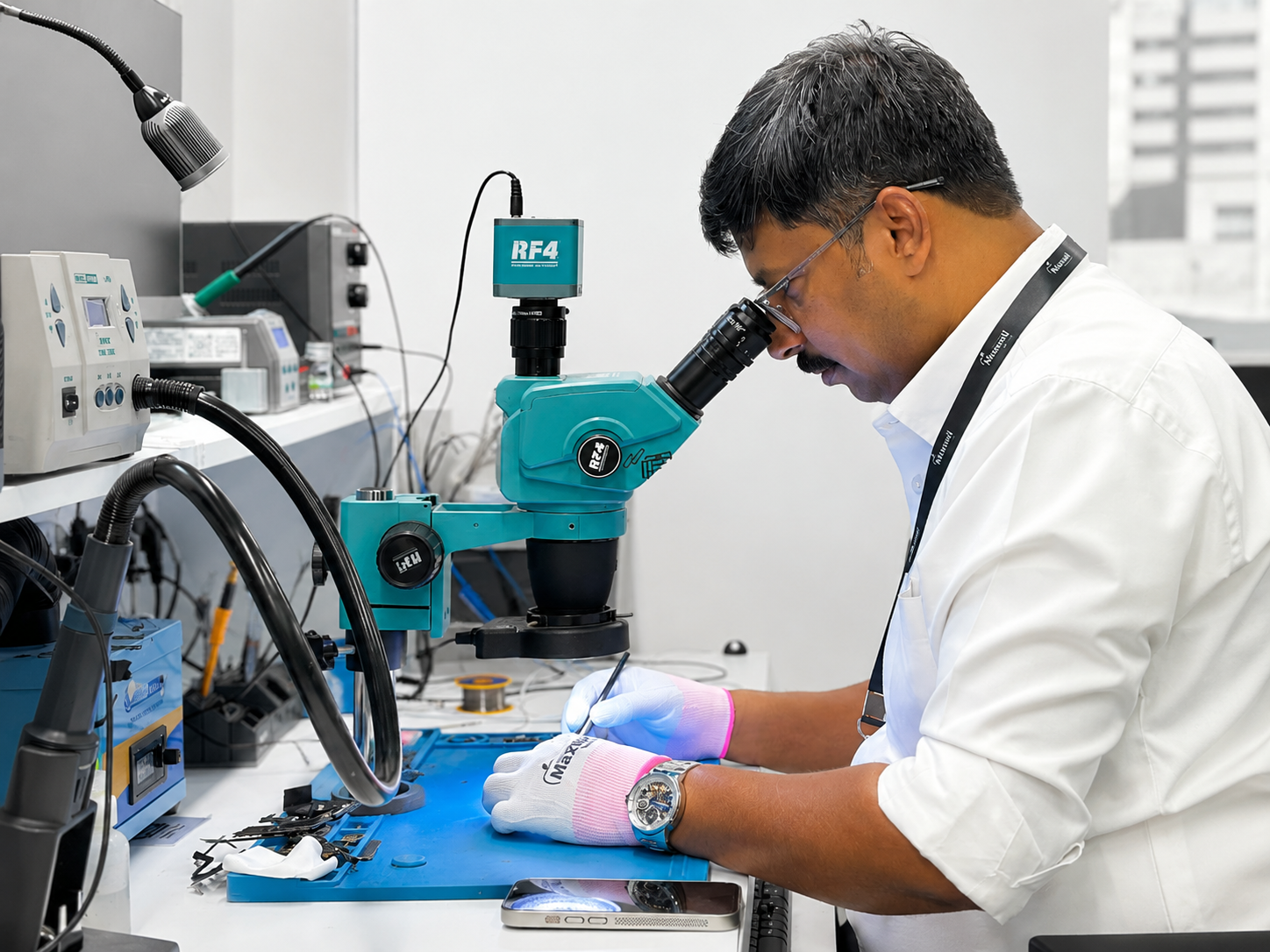
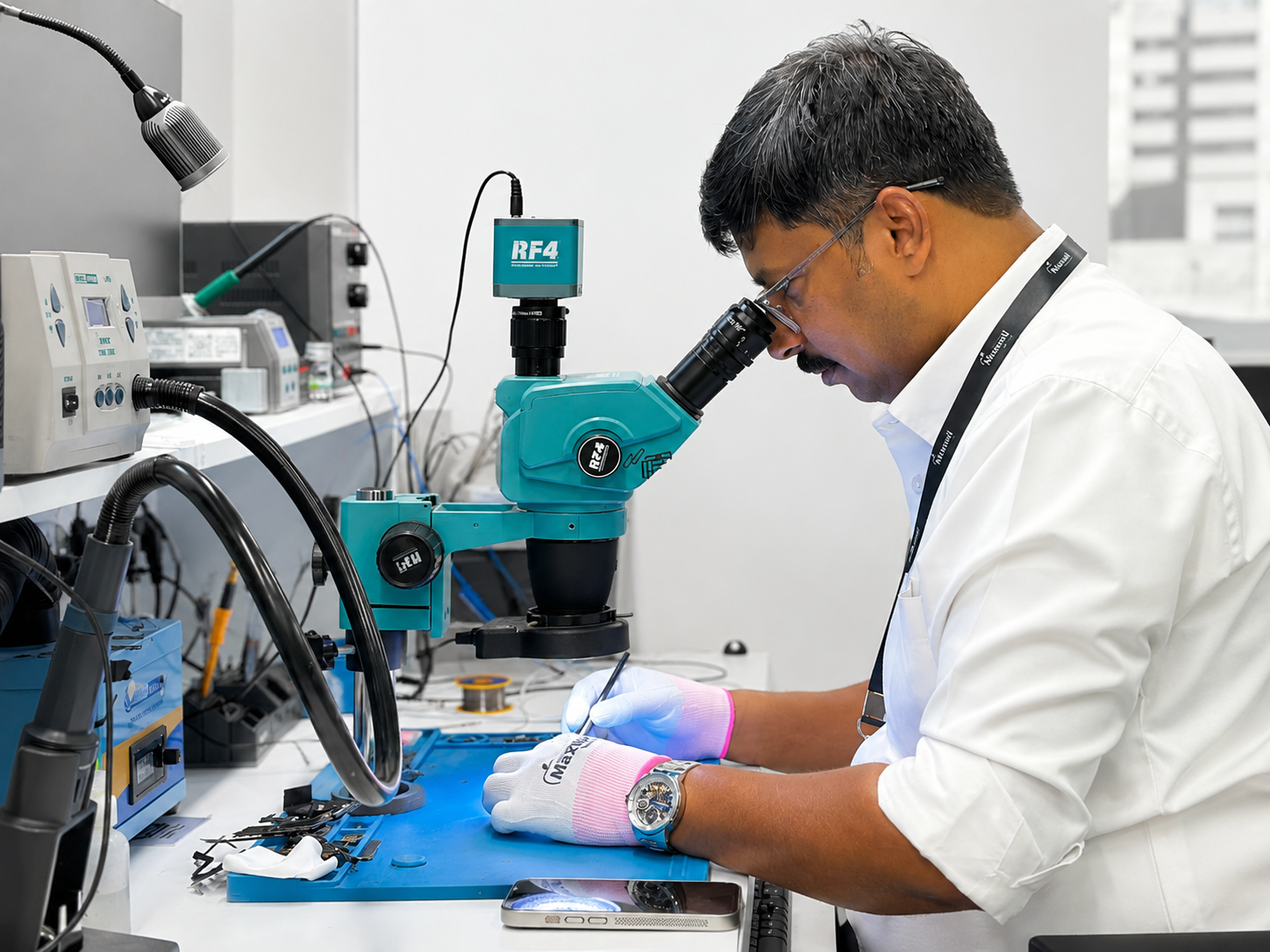
Not sure which of these applies to your machine? Bring your MacBook to our workshop in Doha and our certified technicians will run a full diagnostic — completely free. We'll give you an honest assessment and an upfront quote before any work begins. View our MacBook repair services.