Is Your iPhone Battery Letting You Down?
Modern iPhones are built to last, but one component that degrades over time is the battery. Apple designs iPhone batteries to retain up to 80% of their original capacity at 500 complete charge cycles — but in real-world use, heavy users can reach that milestone in under two years.
So how do you know when it's time to replace your battery? Here are the clearest warning signs.
1. Battery Health Has Dropped Below 80%
The easiest way to check is through your iPhone itself. Go to Settings > Battery > Battery Health & Charging. If the Maximum Capacity reads below 80%, Apple recommends a battery replacement. You may also see a yellow "Battery Health Degraded" message, which is a direct indicator that performance throttling is active.
2. Your iPhone Shuts Down Unexpectedly
One of the most frustrating symptoms of a failing battery is random shutdowns — especially when the battery still shows 20–30%. This happens because a degraded battery can no longer deliver the peak power spikes that the iPhone's processor demands during intensive tasks. The phone shuts itself off to protect its circuitry.
3. The Battery Drains Much Faster Than It Used To
If you used to finish a full day on a single charge and now you're reaching for the charger by midday, your battery capacity has likely dropped significantly. Batteries lose charge-holding ability gradually, so the change can be subtle at first — but once you notice it, it typically accelerates.
4. Your iPhone Feels Hot During Normal Use
A battery that is struggling to meet power demands generates excess heat. If your iPhone gets noticeably warm during everyday tasks like browsing or messaging — not just during heavy gaming or video recording — that heat is often a sign that the battery is working much harder than it should.
5. Performance Feels Slower on an Older iPhone
Apple introduced performance management (sometimes called "throttling") to prevent unexpected shutdowns on iPhones with degraded batteries. The system reduces the maximum processor speed to stay within what the aging battery can safely deliver. If your older iPhone feels sluggish and a restart doesn't help, battery health is the first thing to check.
What to Do Next
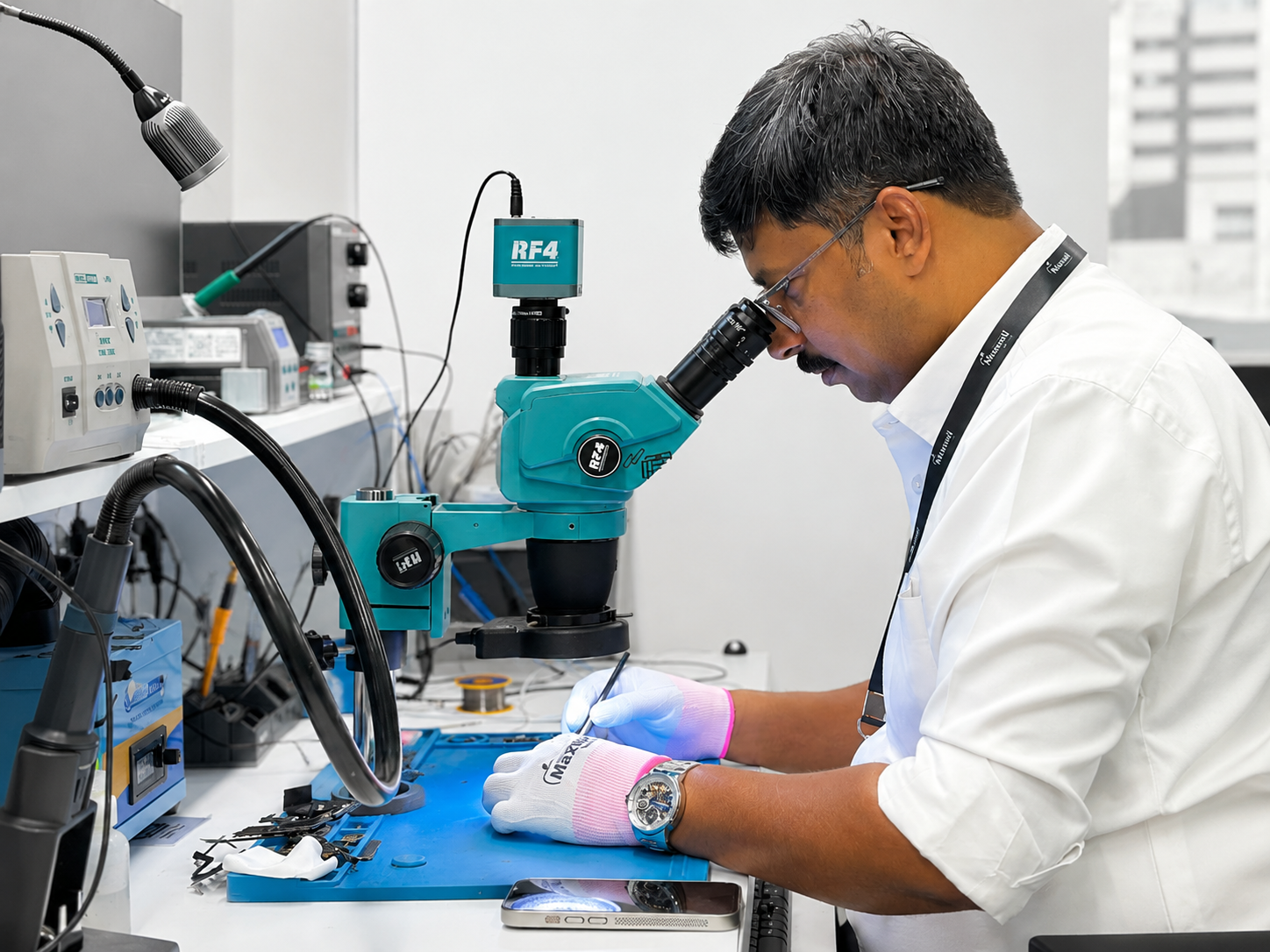
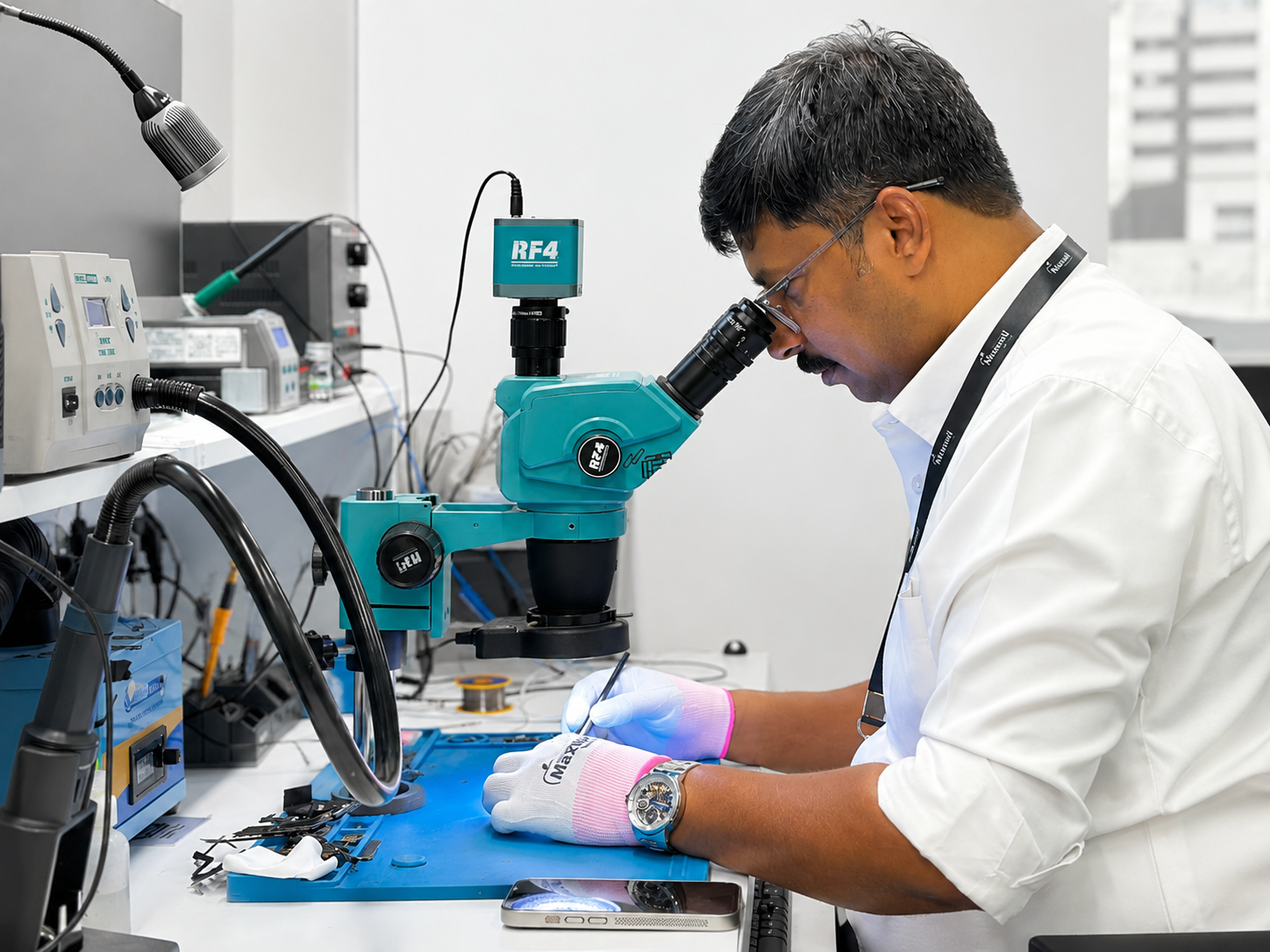
If any of these signs match your experience, the good news is that a battery replacement is a quick, affordable fix that restores your iPhone to like-new performance. At Maxwell Technology, we use genuine Apple-grade batteries and carry out most replacements the same day. Your data stays safe and your device gets a new lease on life — without the cost of a new phone.
Bring your iPhone in for a free battery health check at our Doha workshop, or browse our repair services to book online.